Before launch
Reserve your @name
The email waitlist offers a name reservation before the app launches.

Kirin Fi
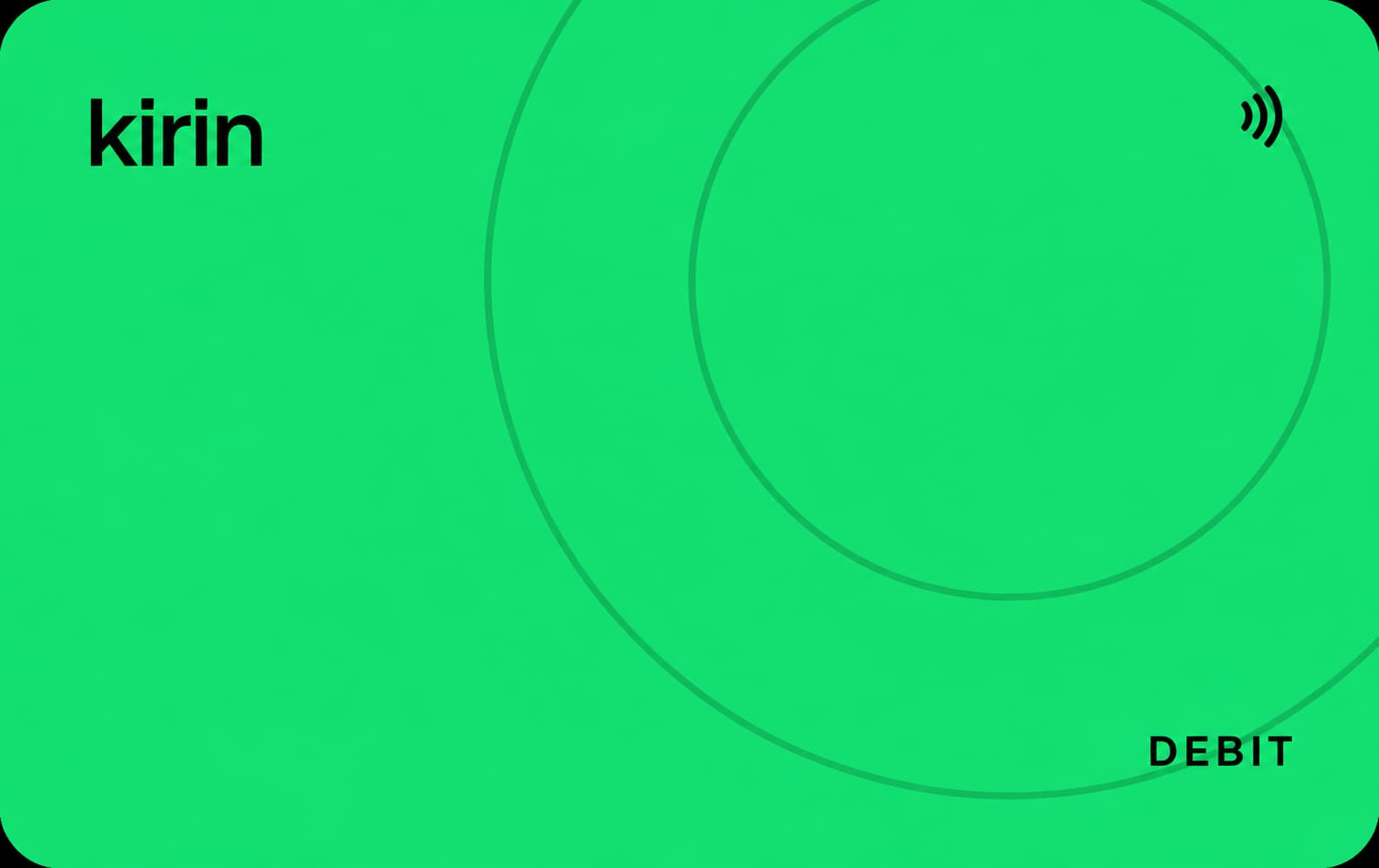
Kirin is building a self-custody wallet that brings EVM and Solana balances together, adds payments by @name, and plans a card for Apple Pay and Google Pay.
Before launch
The email waitlist offers a name reservation before the app launches.
Kirin Fi, Inc. is the company named behind the project. Its first public proposition combines three things: a self-custody wallet, transfers by @name and a spending card. The app is still ahead of its public release.
The wallet is designed to show EVM and Solana assets together. A payment could begin on Base and arrive on Solana, with Kirin choosing the route behind the scenes. That makes the card part of a wider attempt to make the network less visible to the person paying.
Kirin’s wallet terms say the company cannot transact on your behalf. The landing page describes keys kept on the device and a recovery phrase. The card’s issuer, settlement arrangements and country coverage are still to come, so the wallet’s custody model should not be read as a complete description of the future card.
The company identified in Kirin’s terms and privacy policy.
The two network families shown in the planned combined balance and payment experience.
CG perspective
Our view of the possibilities, based on the project’s direction.
A friend could send money to your @name without first asking which chain you use. If card spending draws on that same balance, receiving and spending could become parts of one routine.
Mobile-wallet support could give the network-routing idea a practical everyday test. The useful question will be how balances convert for a purchase and what that costs once card terms arrive.
Choose Join waitlist or Claim @name.
Use the email form and follow the reservation instructions.
App Store and Google Play are both marked as coming soon.
After an invitationCheck the card issuer, supported countries and conversion charges when Kirin opens applications.
The site offers @name reservations; follow its instructions after joining.
The landing page advertises limited no-ID spending; issuer rules and full eligibility have not been published.
Planned features and the details still to come.
The future card’s settlement model is not yet described.
The site invites users to join before the app’s public launch.
Explore these alternatives while you wait for Kirin Card. Availability depends on your country.

Wallet-funded top-ups credit the USD card balance across 12 networks.
View the card
The virtual Visa works with both Apple Pay and Google Pay after KYC.
View the card
USDC spending uses a separate Card Account with a return path to Main.
View the card